Fused filament fabrication (FFF/FDM)
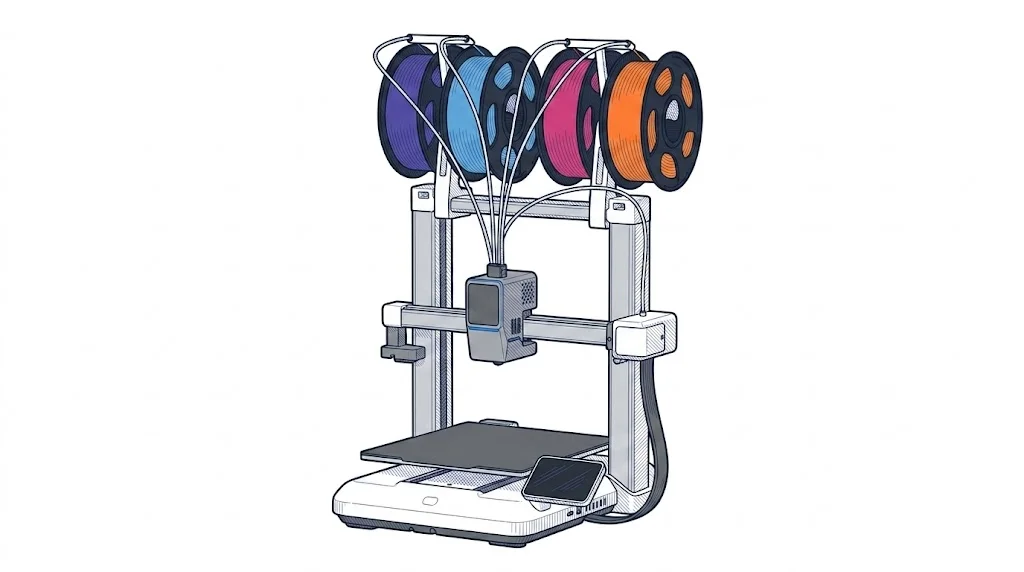
Kobra X
Work area
260 × 260 mm (10.2 × 10.2 in)
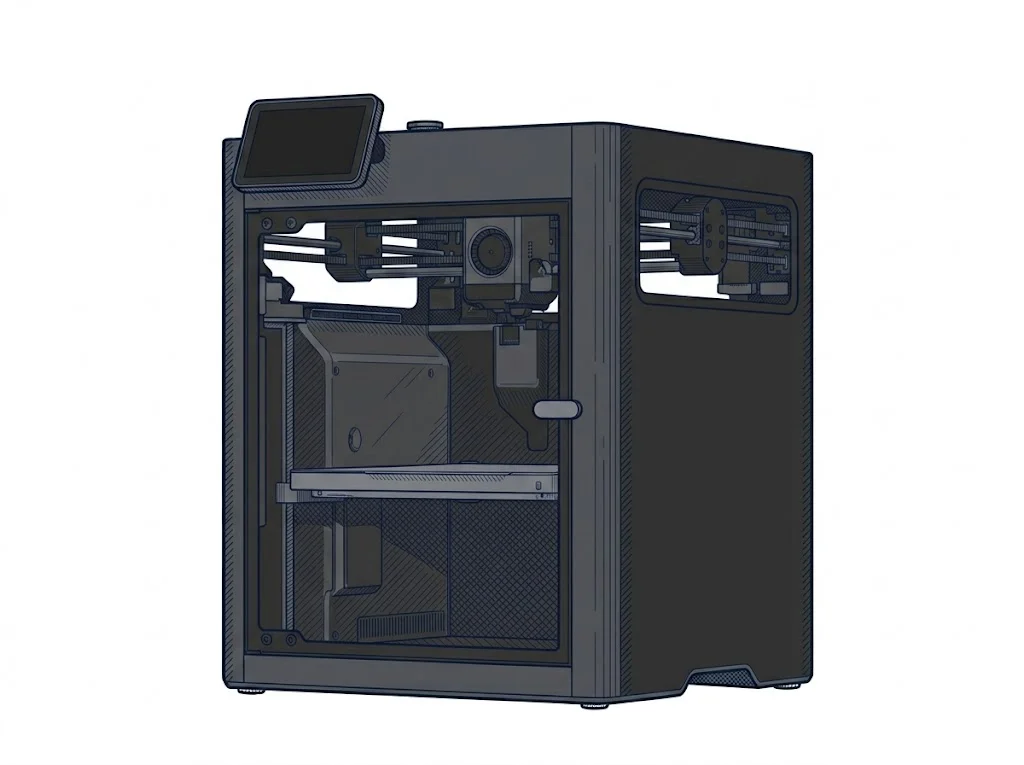
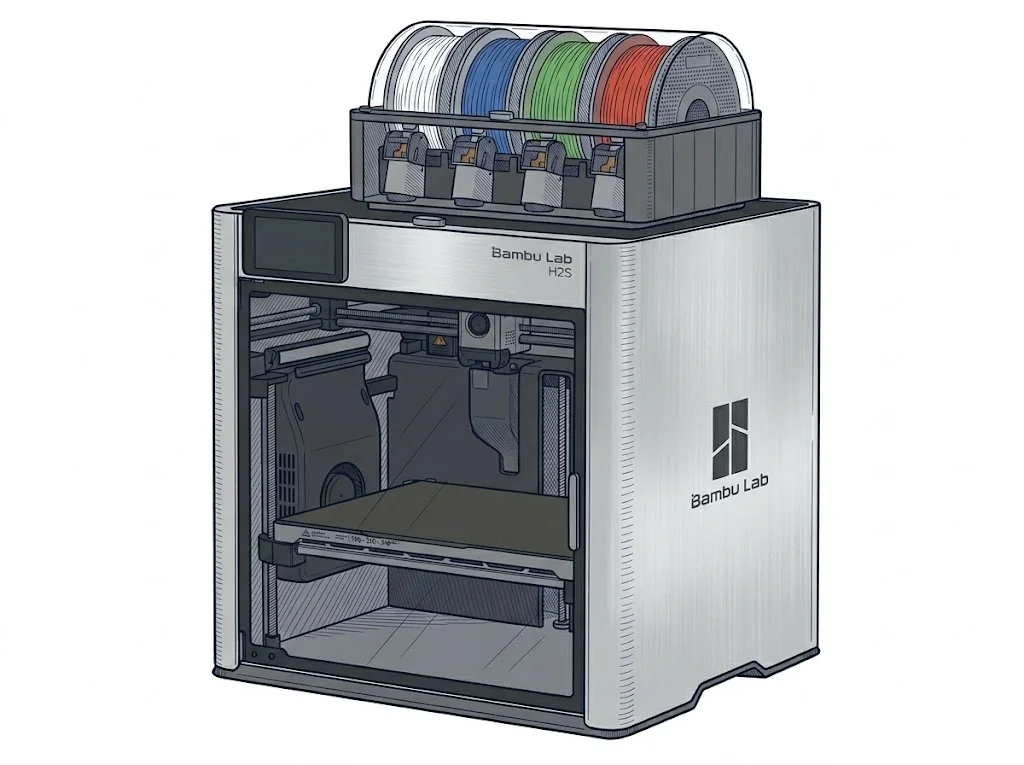
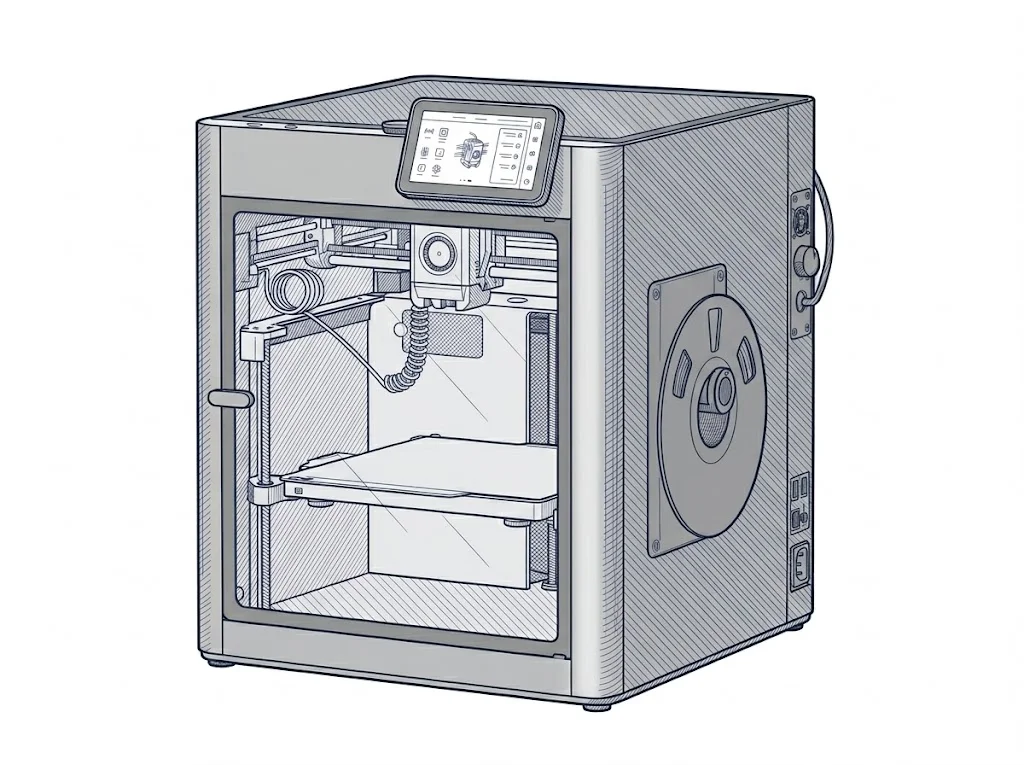
The X1 Carbon targets experienced makers and professionals who need reliable, largely hands-off printing with technical materials. Automatic calibration, a closed chamber, and broad filament compatibility reduce the need for manual tuning, while the guided interface and proprietary software lower the barrier compared to equivalent open-source platforms. It is not aimed at casual beginners, nor does it reach the throughput or serviceability expected in a production environment.
MakerSpecs is an independent catalog. We don't sell products.
Editorial notes will be available once the sheet has been verified by the editorial team.
| Parameter | Value | Source |
|---|---|---|
| Machine dimensions | 39 × 39 × 46 cm (15.3 × 15.3 × 18.0 in) | manufacturer website |
| Weight | 14.13 kg (31.2 lb) | manufacturer website |
| Work area | 256 × 256 × 256 mm (10.1 × 10.1 × 10.1 in) | manufacturer website |
| Maximum speed | 500 mm/s | manufacturer website |
| Declared precision | 7.0 μm | manufacturer website |
| Footprint X×Y (short side) | 256 mm | Compiled by editorial team |
| Build height Z | 256 mm | Compiled by editorial team |
| Kinematics | corexy | Compiled by editorial team |
| Max nozzle temperature | 300 °C | Compiled by editorial team |
| Max bed temperature | 110 °C | Compiled by editorial team |
| Max print speed | 500 mm/s | Compiled by editorial team |
| Enclosed chamber | True | Compiled by editorial team |
| Filament sensor | True | Compiled by editorial team |
| Auto bed leveling | mesh | Compiled by editorial team |
| Standard nozzle diameter | 0.4 mm | Compiled by editorial team |
| Multi-extruder | False | Compiled by editorial team |
| Native Klipper | False | Compiled by editorial team |
| Input shaper | True | Compiled by editorial team |
| Multicolor printing | True | Compiled by editorial team |
| Multicolor requires accessory | True | Compiled by editorial team |
| Max colors | 16 | Compiled by editorial team |
Material compatibilities will be available in a future version.
The printer is controlled via Bambu Studio, the proprietary slicer available for Windows, macOS, and Linux, as well as the Bambu Handy mobile app. LAN mode is supported, allowing full local control without an internet connection or cloud account. Remote monitoring via Bambu Cloud is optional. Bambu Studio accepts 3MF, STL, OBJ, and STEP files and includes advanced features such as vibration compensation and flow rate control.
Reviews from those who use this machine every day will be available in the next version of the platform.
Technical data verified on the manufacturer's official website (recording date shown above). Editorial notes, market positioning and anomaly flags are assisted by the MakerSpecs AI system as a second reader, always validated by the author before publication. Read the full methodology →